
 Smart Workflow Automation
Create Powerful Reports with
AI-Level Speed, Precision, and Flexibility.
Ops teams can design, customize, and generate business-critical reports visually, effortlessly, and all within a unified platform.
Overview
AI Report Scheduler & Builder is a no-code platform for creating intelligent, multi-page reports with AI. Design, automate, and deliver reports effortlessly using templates, natural language, or custom logic all in one place.

Step-by-Step Report Builder
Visually create multi-page reports with fields, logic, and layout control.


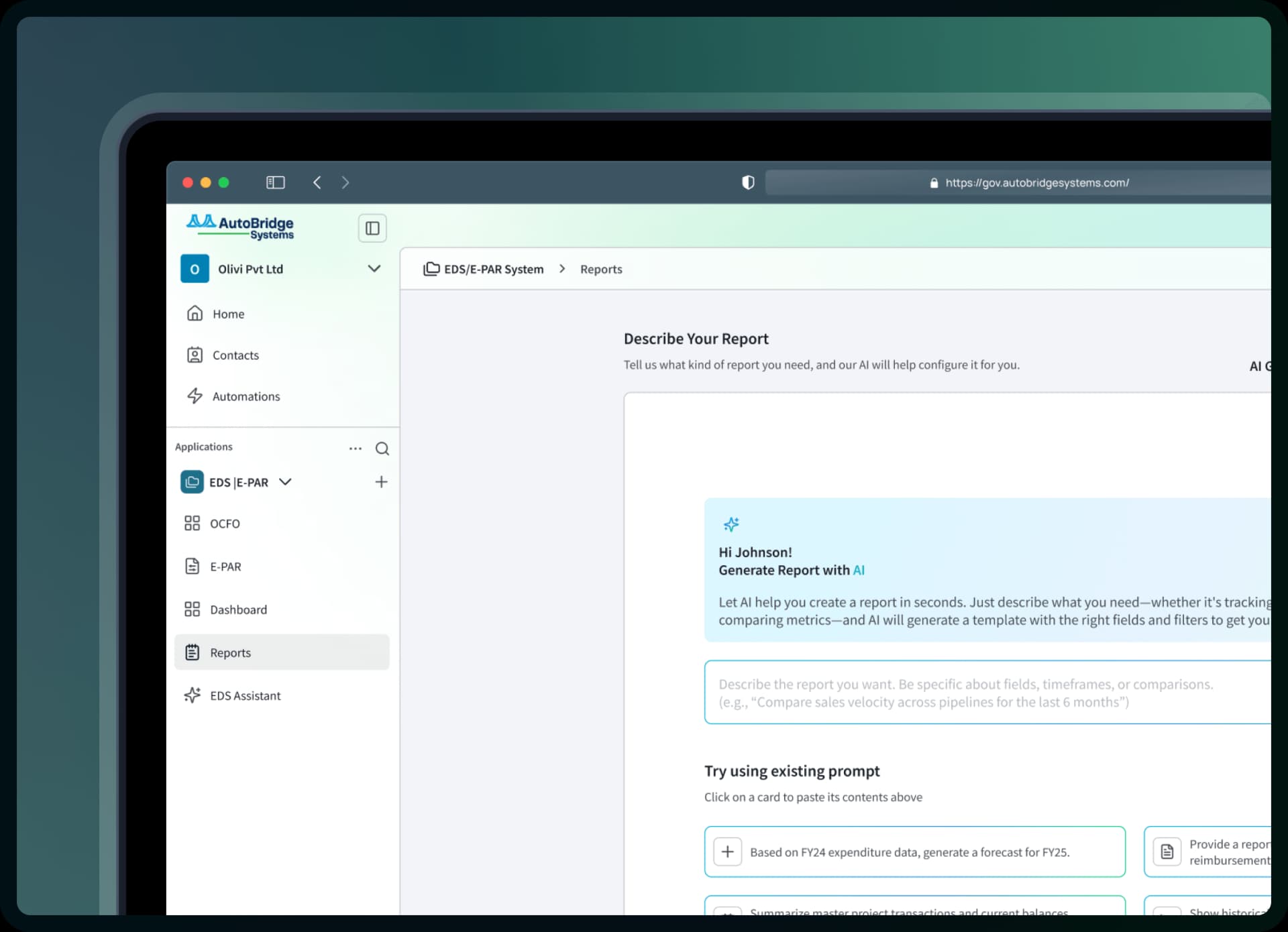
AI-Powered Report Generator
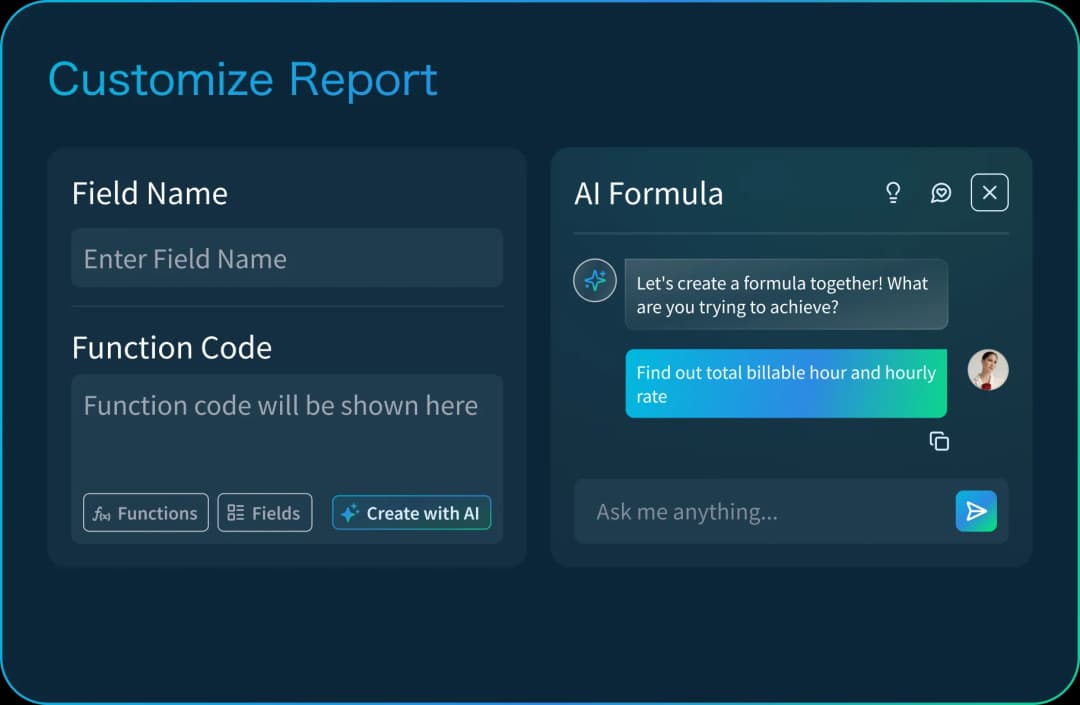
Describe your report in plain language, AI builds structured pages with key fields.

Smart Fields & Formulas
Add calculated fields, apply logic rules, and use conditional visibility.

Scheduled Report Updates
Set when reports refresh daily, weekly, or monthly based on your needs.
Structured, Flexible, and AI-Powered
Build your reports step by step with complete control over layout, fields, logic, and design. Ideal for teams that need precision and want to customize every detail, no code required.
Build with a Prompt
Simply type what you want (e.g.,“Monthly performance by team”) and AI does the rest
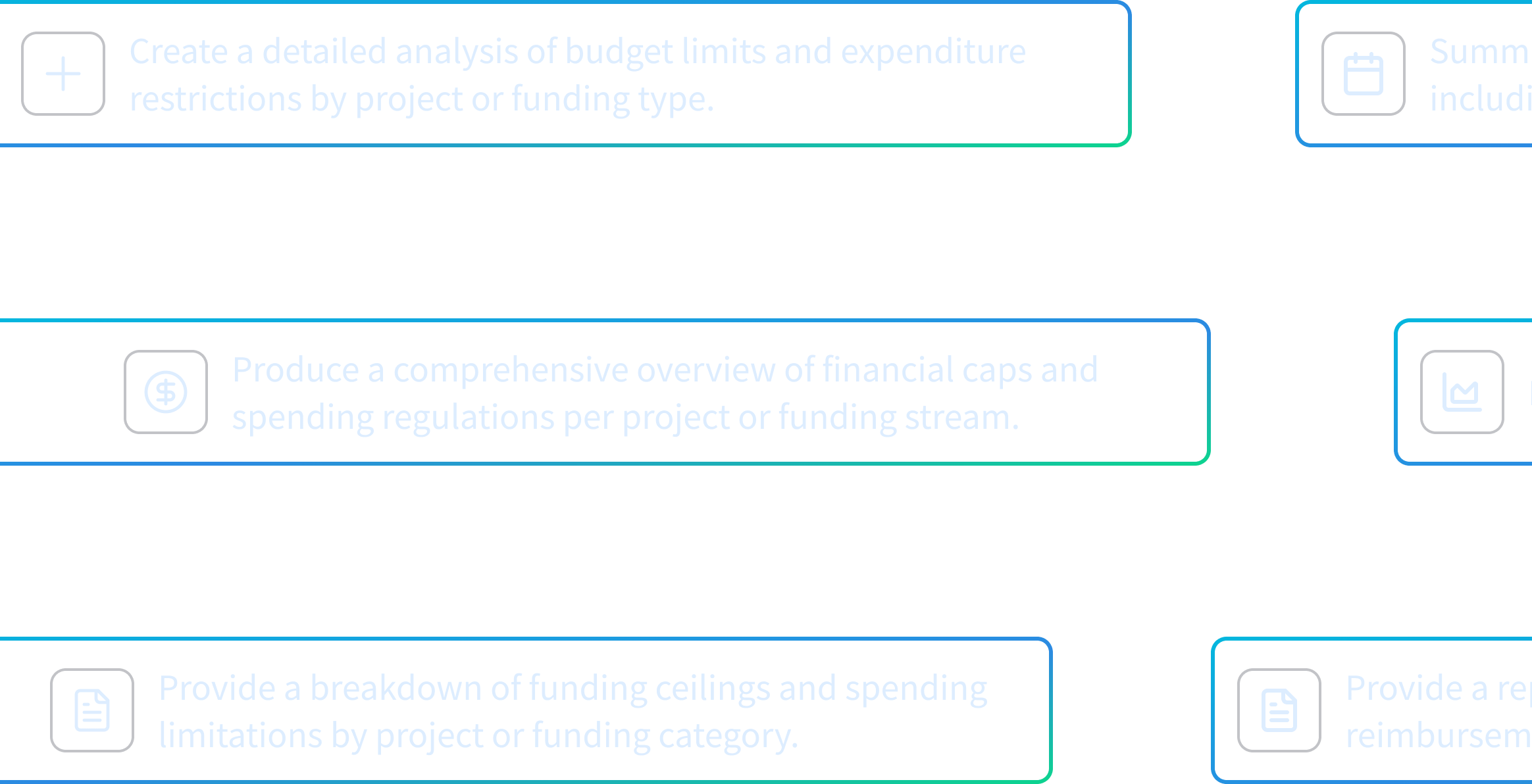
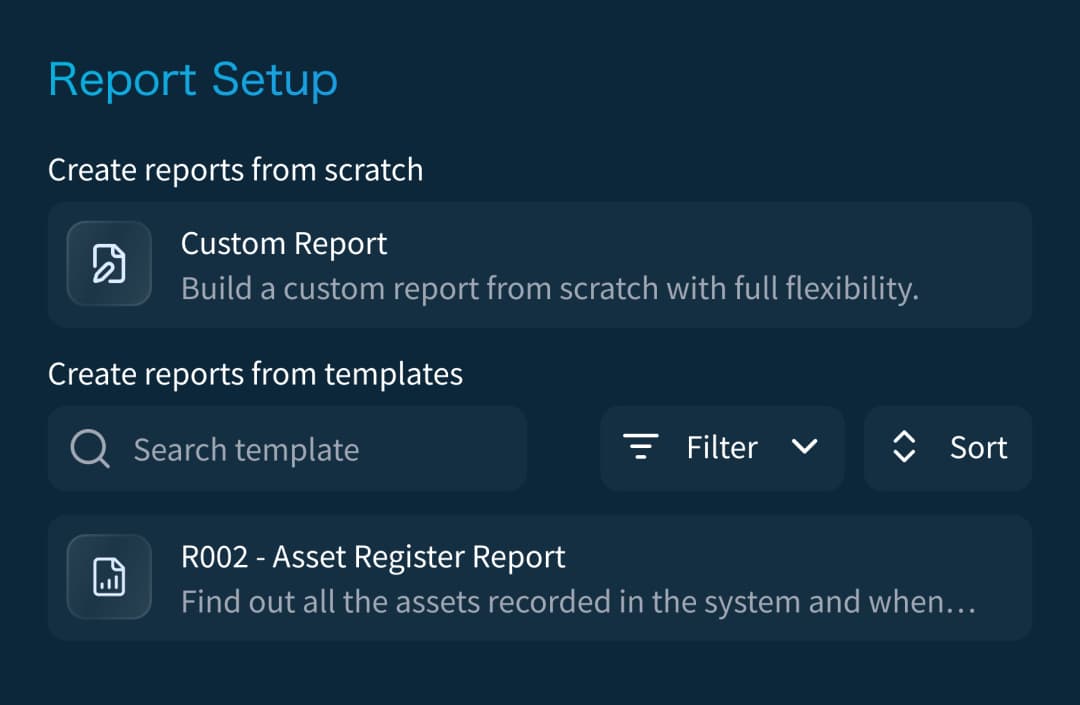
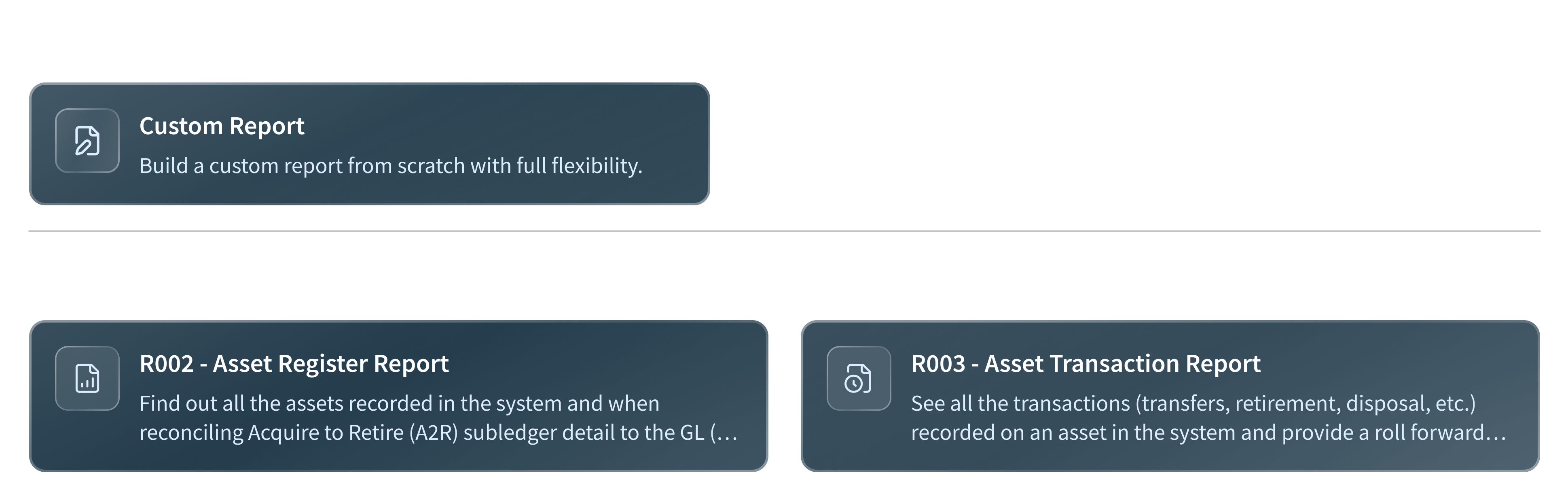
Start from Scratch or Use a Template
Begin with a blank layout or choose from pre-made templates designed for common use cases.
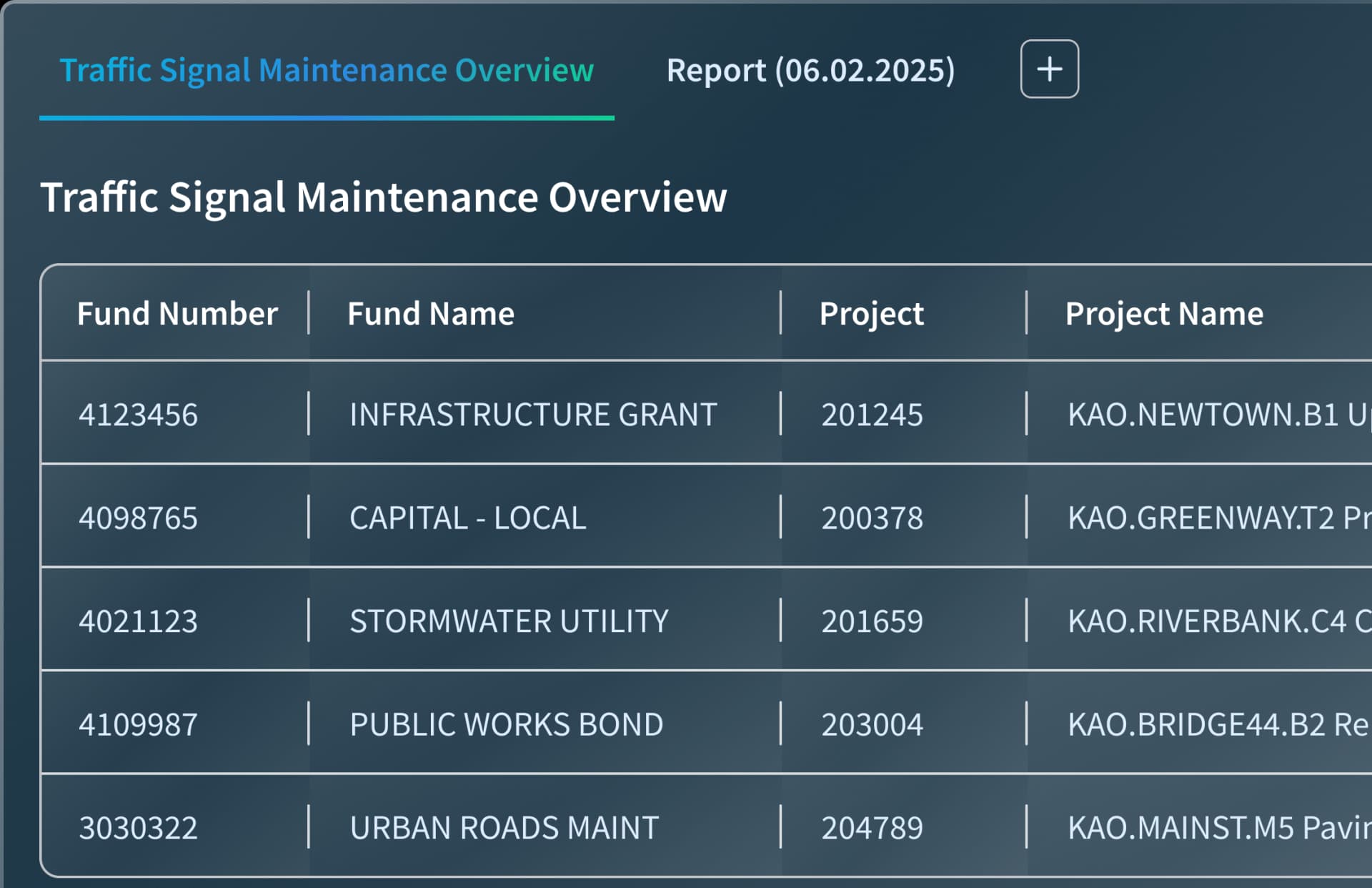
Multi View Support
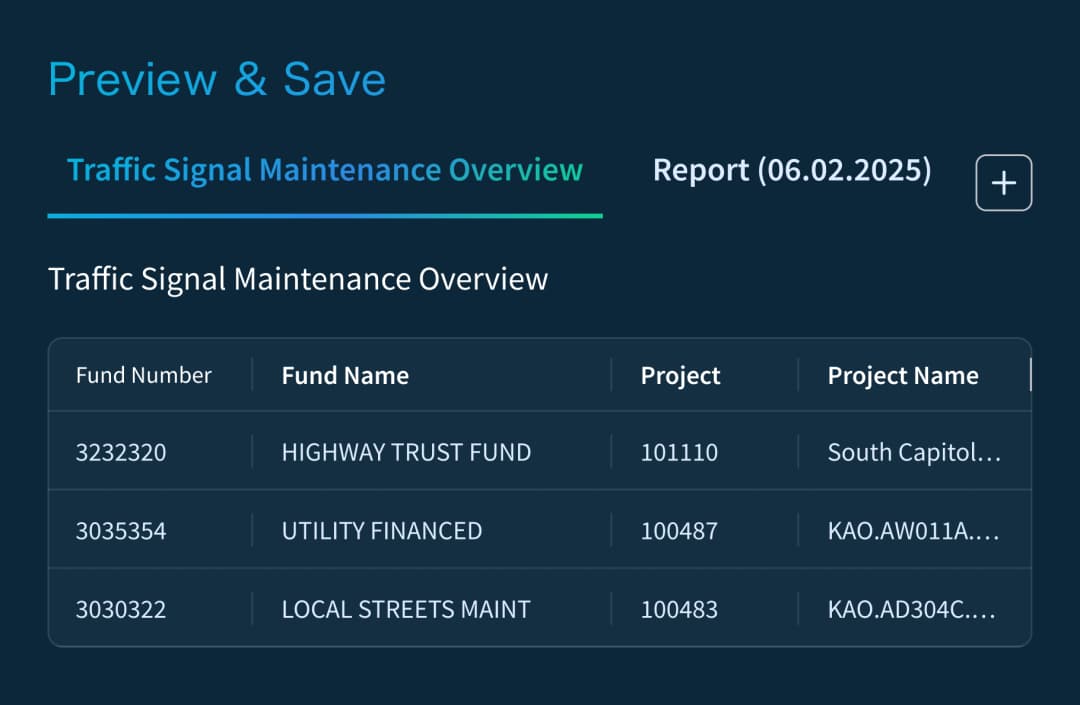
Break large reports into clean, easy-to-navigate pages.
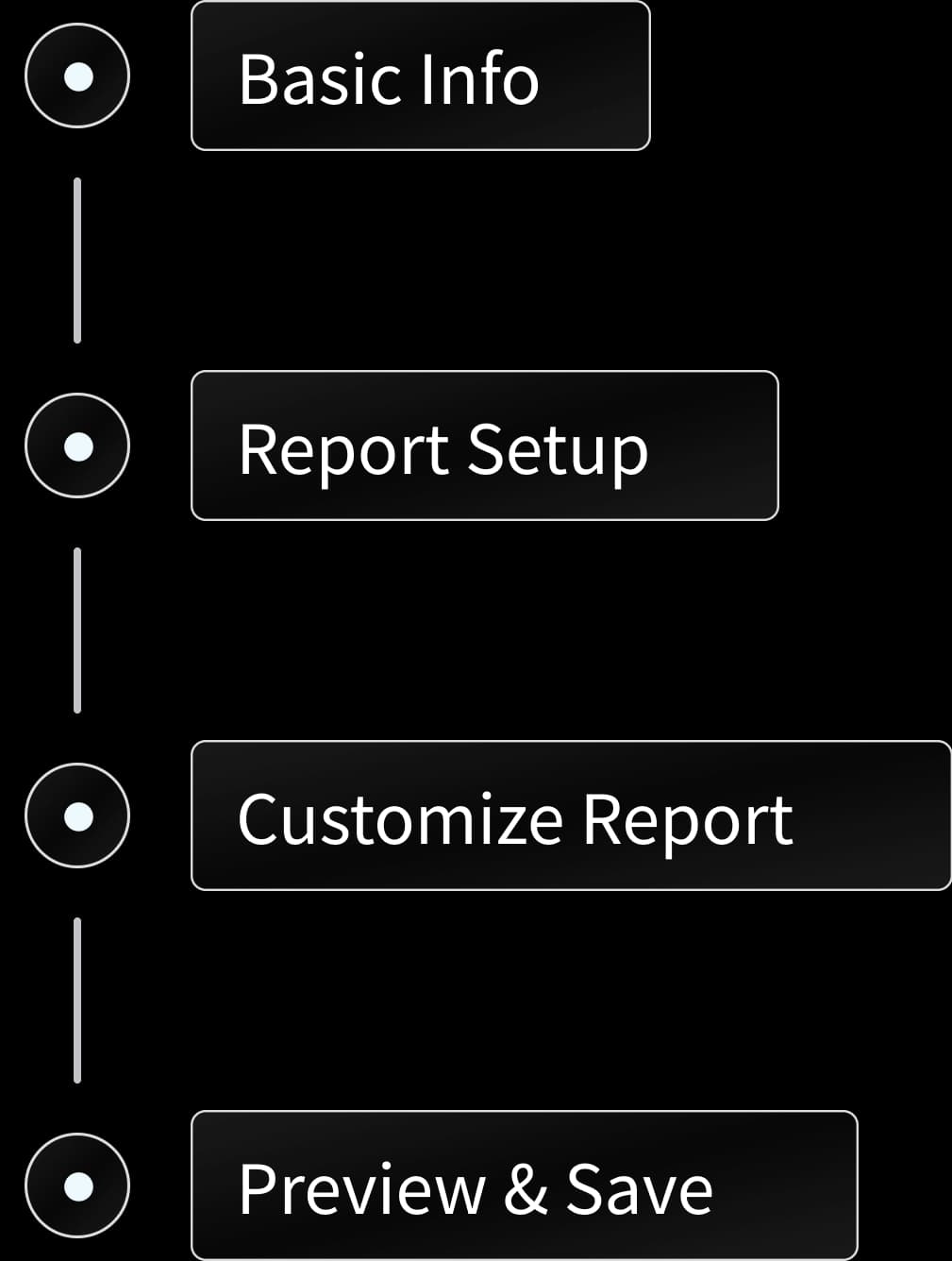
Guided Setup
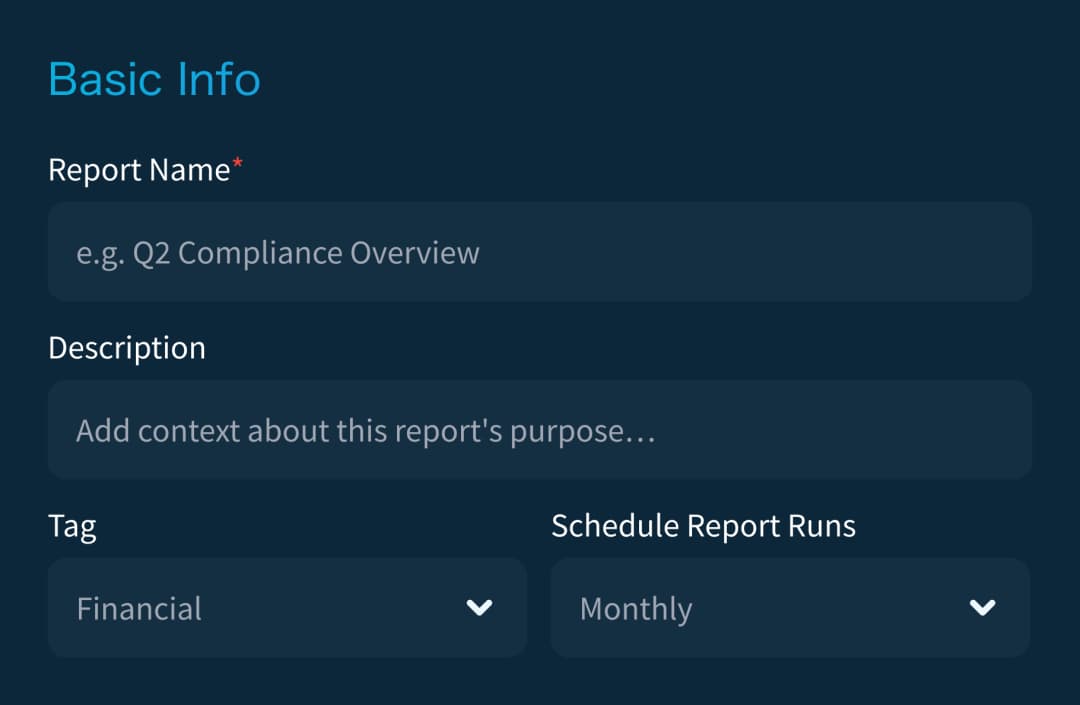
Move through a clear process: start with basic info, then choose layout, add fields, and preview.
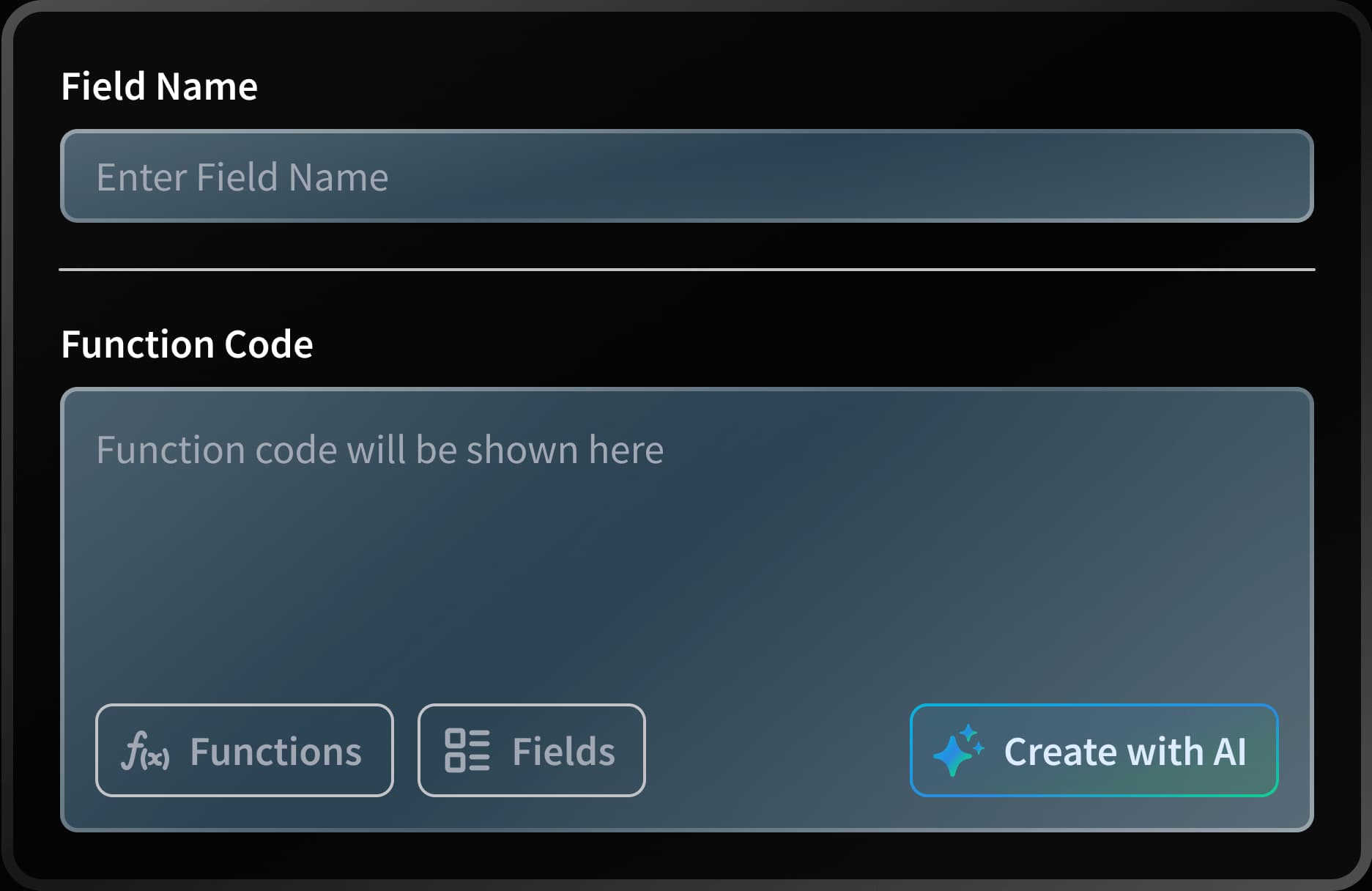
Custom Fields & Formulas
Add calculated fields, set up conditional logic, and define how data is displayed.
Powerful Reports for Every Use Case
Built for every team, adaptable for any data, create the reports that drive results.
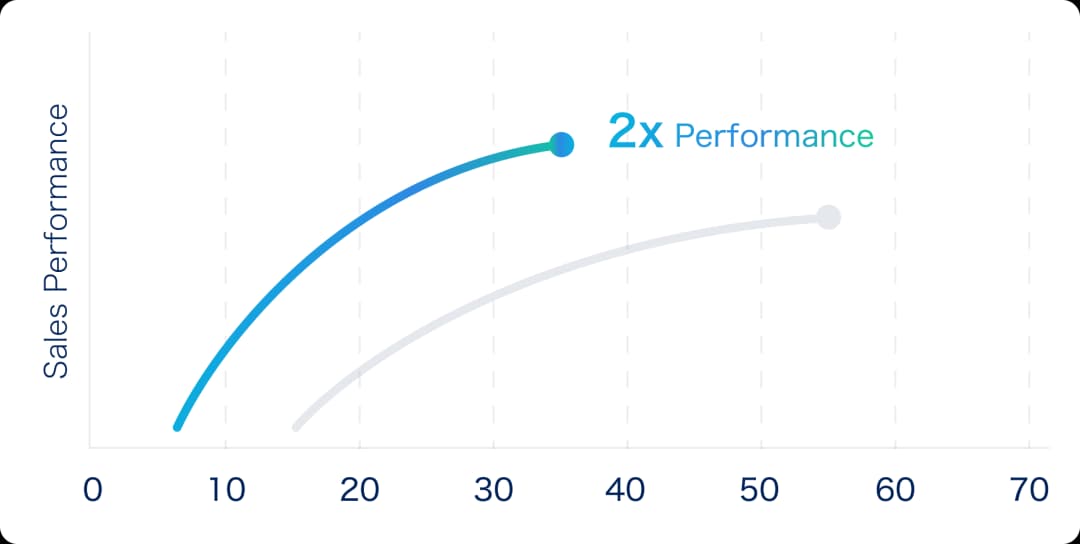
Sales Performance
Track revenue by region, rep, or product line.
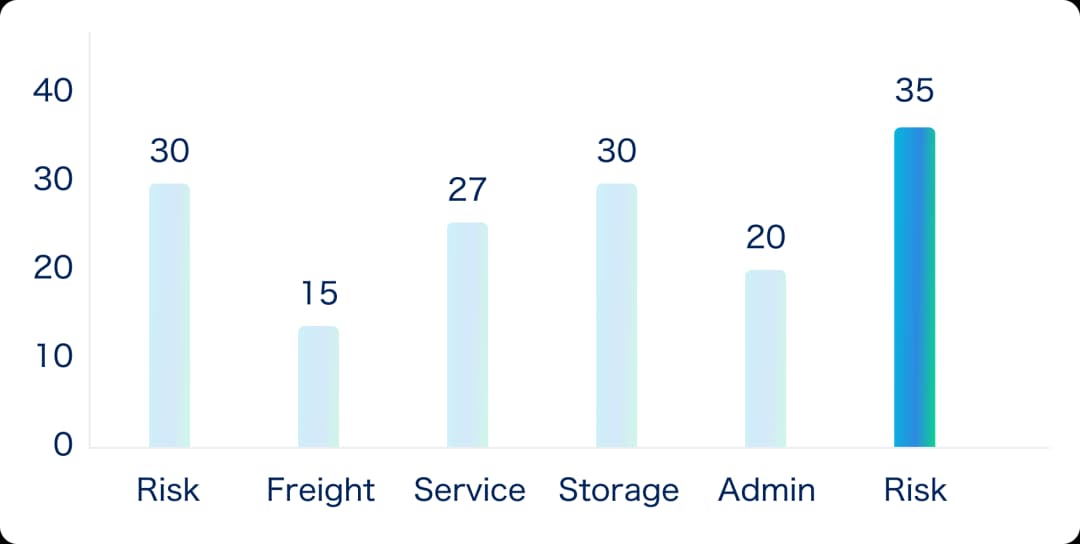
Inventory Reports
Know what's in stock, what's low, and what's moving fast.
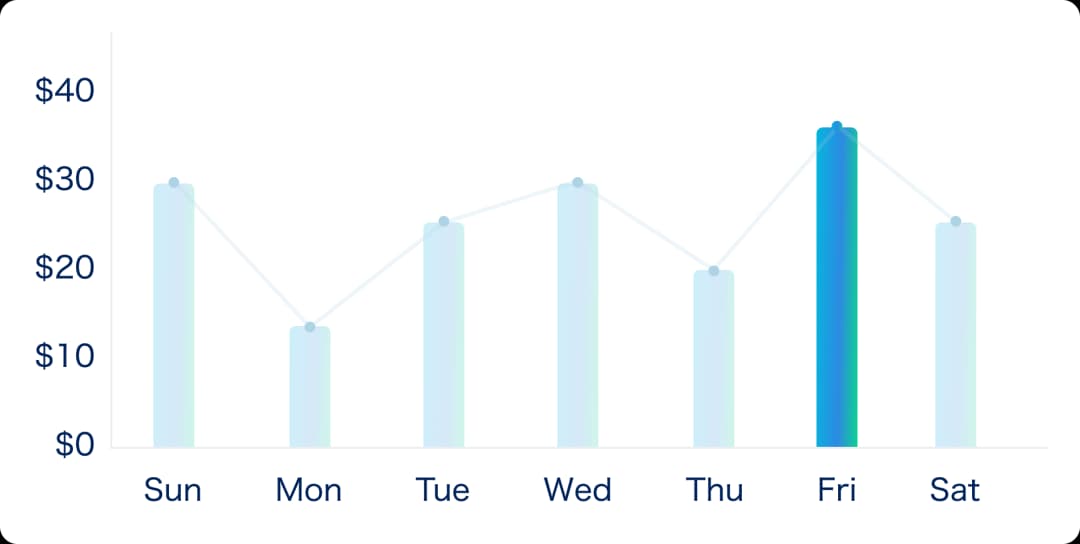
Finance & Asset Reports
Run depreciation, asset register, and transaction reports.



Project Progress Dashboards


Marketing Campaign Analysis


Compliance & Audit Logs


Employee Productivity Reports


Purchase & Procurement Reports


Operational Efficiency Tracking
Build Smarter Reports, Step by Step
Guide your team through a clear, structured process from setting up report basics, to customizing outputs and reviewing results. Each step is designed to simplify automation, ensure accuracy, and deliver actionable insights.
Build Your Report Foundation
Name your report, add a description and tags, and define when it should run, laying the groundwork for automation and clarity.